How the Program Works
Four modules. Real exercises. Tools you already have access to. The program is designed to be completed at your own pace, on your own schedule, in your own environment.
Module by Module
Each module focuses on one specific area of digital organization. They build on each other, but they can also be approached independently if you already have some areas covered.
What You Already Know
The program begins not with technology but with an audit of existing knowledge. Participants map out what they currently track, how they remember it, and what often gets lost or forgotten. This becomes the foundation for everything that follows.
A guided worksheet helps identify the five or six pieces of information that matter most to the business. For most participants, this is the first time they have articulated their informal system to someone else, and the exercise alone is often revealing.
Production Tracking Basics
Module two introduces the concept of a production log. Not a complex database. A structured record that captures planting or production dates, quantities, inputs used, and outcomes. The module demonstrates how to set this up in Google Sheets or a free offline spreadsheet app.
Participants work through a full growing season example, entering data from a fictional but realistic farm. By the end, they have a working template customized to their own products.
Customer and Order Management
A customer list is one of the most valuable assets a small business can have. This module covers how to create and maintain a simple contact database, record order history, note preferences, and use that information to communicate more effectively.
The tools introduced are free and work without internet: a basic spreadsheet, a notes app, or even a well-structured text document. The emphasis is on what to capture, not which app to use.
Reading Your Own Data
Having records is only useful if you can make sense of them. The final module introduces basic data literacy: how to create a simple monthly summary, spot patterns across seasons, and use past records to plan ahead.
This is not statistics or business intelligence. It is the practical skill of glancing at last year's records and knowing whether to plant more or less of something this season. Exercises are built around participant-generated data from earlier modules.
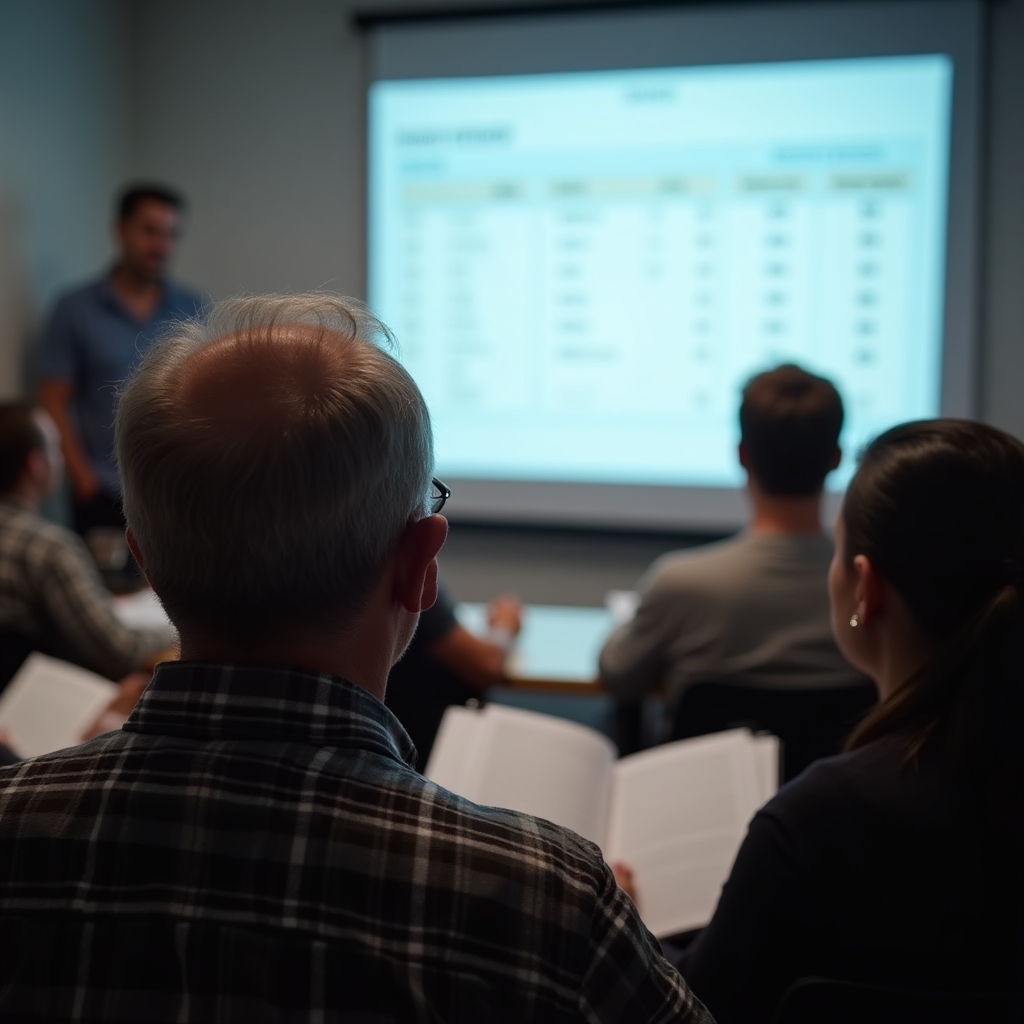 Group session, spring 2024
Choose How You Learn
Not every farmer can attend a workshop. Not every producer learns well from a video. The program is designed to work across different learning preferences and practical constraints.
Printed Workbook
A physical booklet with all four modules, exercises, and templates. Works without electricity or internet. Can be completed over several weeks during quieter periods on the farm.
Video Lessons
Short recorded walkthroughs, each under twelve minutes, demonstrating specific skills. Available for offline download so participants can watch them in the field or barn.
Group Workshops
Scheduled sessions in Szczecin and surrounding areas where participants work through modules together with a facilitator. Q&A time is built into every session.
Tools Used in the Program
Every tool covered in the program is either free or has a free tier sufficient for small agricultural use. Nothing in the curriculum requires a paid subscription.
Google Sheets
Free spreadsheet tool that works in a browser or as a mobile app. Good for production logs, customer lists, and basic summaries when internet is available.
LibreOffice Calc
A fully offline, free spreadsheet application that runs on any computer. Ideal for participants without reliable internet. Reads and writes standard spreadsheet formats.
Notes Apps
Standard notes apps on Android or iOS can store structured customer information. The program includes templates formatted for copy-paste into any notes application.
Printed Templates
For participants who prefer paper first, all templates are available in printable format. Data can be transferred digitally later, or printed records can be kept as the primary system.
Questions About the Program?
Get in touch with the Kafigu Zotoyo team. We can walk you through which format suits your situation and what to expect from each module.
Contact Us